Gmail Marketing Tips: Regarding email marketing, Gmail is often considered “ground zero” by many professionals. It offers several options and suggestions to improve your email performance. Email marketing is one of the most reliable and productive channels for increasing sales and customer loyalty. A return on investment of up to 4,200% is possible with proper execution. To gauge success, monitor metrics like open rates, click-through rates, and bounce rates to refine your approach.
Because of its immense popularity, Gmail is always jam-packed with users’ messages. Gmail takes its role as a mailbox service provider very seriously and, as such, carefully protects its users’ inboxes. Several IT gurus recommend “gaming” Gmail’s algorithms to get your emails into the primary tab faster. However, the strategy will backfire if many of your readers classify your emails as spam or garbage. To improve deliverability, follow Gmail’s best practices, such as avoiding spammy language, using proper authentication, and maintaining a good sender reputation.
Here are a few suggestions for making the most of Gmail’s marketing potential:
Sort your contacts into subgroups
Successful marketing campaigns include segmenting email lists to foster understanding and trust. Avoiding spam complaints and delivering the most relevant emails to your contacts helps them feel valued and understood.
Organizing your subscribers into subsets based on their habits is a straightforward approach. Those who last interacted with your emails a while ago may be targeted with a re-engagement campaign. If you want to find and discount your most loyal customers, you may use the date they bought your product as a segmentation criterion.
Email lists may also be broken down usefully by age. Knowing whether your contact is a student or a retiree, you can tailor your email content and tone accordingly.
To further refine your lead nurturing efforts, you may divide your contacts into subgroups based on their level of knowledge. To keep someone interested after they’ve downloaded your free ebook on mastering a new subject, you may send them emails with extra in-depth material.
Don’t blast your emails
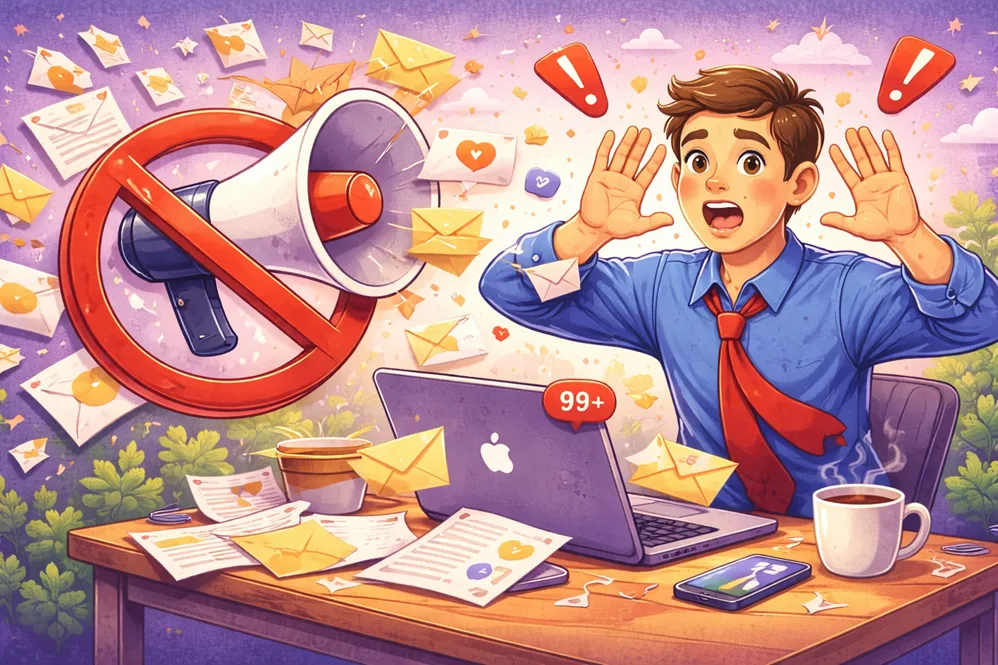
One of the most typical marketing blunders is sending out mass emails. They mass-mail their subscribers with emails that have no discernible purpose or message. While taking advantage of email blast software may be tempting, you should do so only when the material you are sending provides value to recipients.
In a perfect world, your subscribers would have opted in to double-opt-in when signing up and would already be interested in your brand. If they did, sending them regular email updates about new features or sales is a terrific approach to keep them interested.
Conduct some housekeeping if you employ a double opt-in procedure and email a list of dormant contacts. You can find out why they stopped opening your emails and what you can do to bring them back by including a short poll on your unsubscribe page.
If you want to avoid your emails joining the 12.5 million marked as spam each year, ensure they contain information that will interest the recipients. This may be accomplished by developing beneficial mass email campaigns that use segmentation and personalization.
Ensure your emails are concise and engaging
Ensuring conciseness and engagement make your audience feel intrigued and appreciated, increasing the chances they will read and respond positively.
The subject line will shape your recipients’ initial impression of you, so make it count. Avoid waffling and focus on the point at hand by keeping your email concise. To get them to read your email, try asking questions or making intriguing statements. Don’t use “clickbait” subject lines; doing so will make your readers feel deceived, increasing the likelihood they’ll report your messages as spam. Craft subject lines that are clear, relevant, and pique curiosity to boost open rates and engagement.
If you want them to read your email, you must give them a reason to. Including too much information in an email is a sure way to get it relegated to the Promotions tab, so keep it brief. If you include a lot of content, split it into many email messages or include links to further material on your website. Remember to proofread your email for errors in grammar and syntax before hitting the send button. This will help make your email look more polished and user-friendly.
Easy to Unsubscribe
Make it straightforward for recipients to unsubscribe, demonstrating respect for their preferences and fostering trust in your brand.
It’s a good idea to unsubscribe if you’re getting too many emails from subscriptions you no longer desire. In addition to protecting you against spam, this prevents undesired communications from reaching your inbox.
To remove yourself from an email list, follow the instructions given in the email and click the “unsubscribe” link. There is usually a link in the email footer to unsubscribe, but sometimes you have to reply with the phrase “unsubscribe manually.”
Email marketers should make it easy for recipients to avoid receiving future messages. If you use Mailshake, you may have an active unsubscribe link next to the sender’s name in your emails, making it easier for your subscribers to remove themselves from your mailing list. Apple’s iOS has a similar function that recognizes newsletters and quickly displays a “Unsubscribe” button. Ensure each email works in your inbox before sending it out to avoid annoying your contacts and causing them to stop engaging with your business.
Emails should be mobile-friendly
Unformatted emails open in a chaotic mess on mobile devices, making reading a chore. This makes it more difficult for subscribers to find the link or button they need, increasing the risk that they will click the wrong thing out of haste. This is why using responsive email templates and white space when creating emails is crucial.
Mobile devices have a small display area, with only 20-30 characters of pre-header text visible at a time (depending on the model). Make the most of the limited space in the subject line and pre-header by writing something interesting. Words like numbers, emoticons, and intriguing queries have increased the likelihood that a recipient will open an email.
Last but not least, remember that photos and GIFs you send via email will load more slowly on mobile devices than on desktop computers. Keep the number of photographs you provide in an email to a minimum, and always include ALT text for images.
Keyword Research
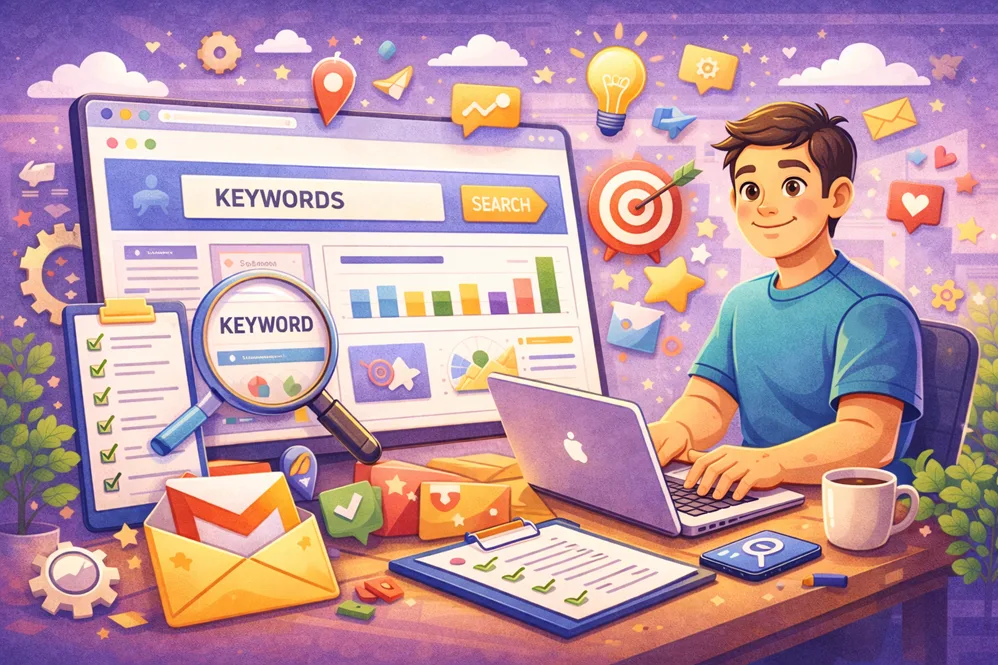
Finding keywords that are both relevant to your business and that search engines will index is what keyword research is all about. It’s a vital step in search engine optimization and should come before you start writing. This can uncover what individuals are searching for and how they are searching. It’s an excellent tool for locating your rivals and countering their efforts.
Several other keyword research tools are available, including SEMrush, Ahrefs, Spyfu, and more. You may also use these instruments to zero in on the most relevant terms for your work. Compare several tools and pick the one that best fits your requirements.
Now that you have your keyword list, you can begin your investigation. To start, investigate the keywords your rivals use and select the ones that apply best. Pick those with a strong interest but few competitors. Search for terms with an informative tone (e.g., questions and answers).
Finally, you should figure out who you want to reach out to and focus on reaching those specific people. Your target audience can be divided into subsets based on geographical, demographic, and behavioural criteria. This will allow you to zero in on the subset of consumers whose wants and requirements align with what you offer. This can help you create successful Gmail marketing and email marketing strategies.
Content Creation
A marketing strategy’s beating heart is the content it produces. It’s what gets people to visit a website, keeps them there, and turns them into paying customers.
Blog posts, infographics, videos, SlideShares, and other media are just a few examples of the different content formats. Consider your target audience when deciding on a layout. Examples of content that generate interest and discussion on social media include quizzes.
Then, modify the material to suit their requirements. If you want to reach Generation Z, for instance, you should use modern music, eye-catching colours, and emoticons. However, if your target demographic consists of baby boomers, you should stick to more conventional writing styles that exude expertise and authority.
Conclusion
Email marketers have many moving parts to fine-tune to achieve optimal performance. It’s simple to become disoriented and overloaded by all there is to do. Improving your email list quality and content is much simpler if you divide email optimization into parts and specific activities. Remember that your subscribers’ consistent activity is a significant indicator for Google when deciding how to classify and send your emails.